
How do I create a summative assessment?
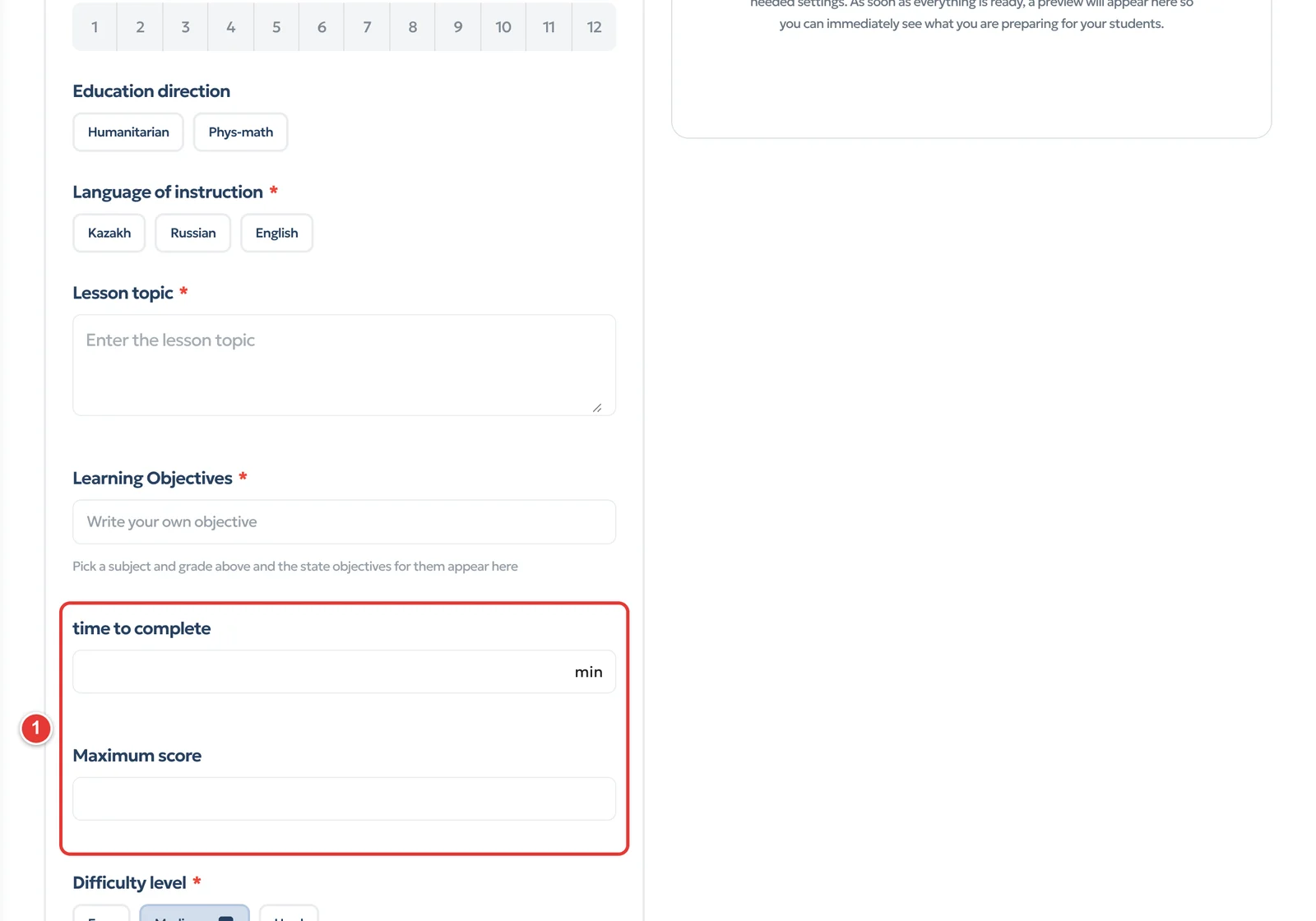
In Teacher Tools, open «Summative assessment». Choose the subject, grade, language, lesson topic and learning objectives. Optionally set the time to complete and the maximum score (1), pick the difficulty and click «Submit». The result ends with a descriptor table and an answer key for the teacher.
Was this article helpful?