
How do I create a test?
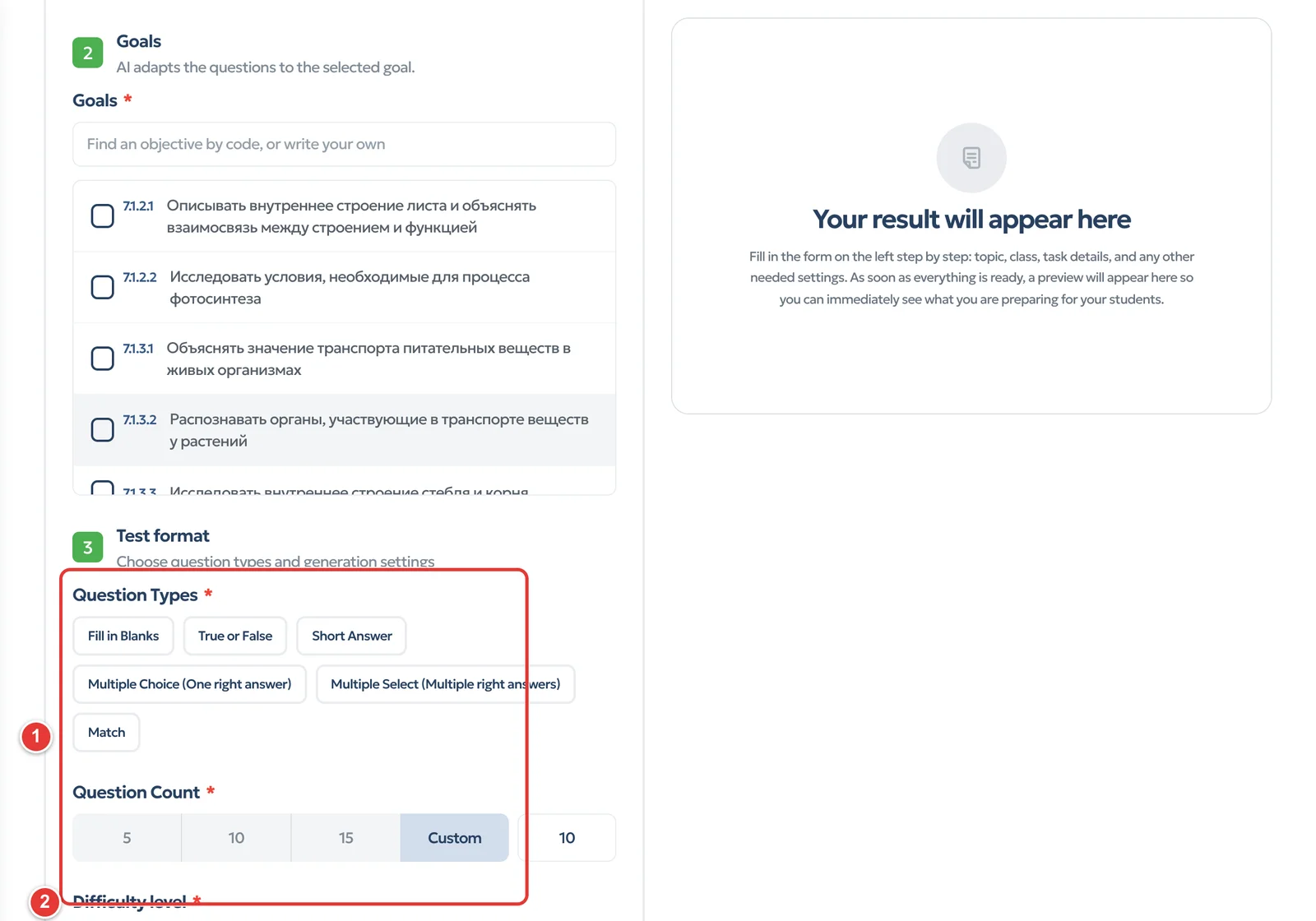
In Teacher Tools, open «Test generator» and choose the subject, grade, language, topic and objectives. Under «Test format», pick the question types and how many questions you need (1), choose the difficulty and click «Submit». The test appears in «My library».
Was this article helpful?