
How do I change the platform language?
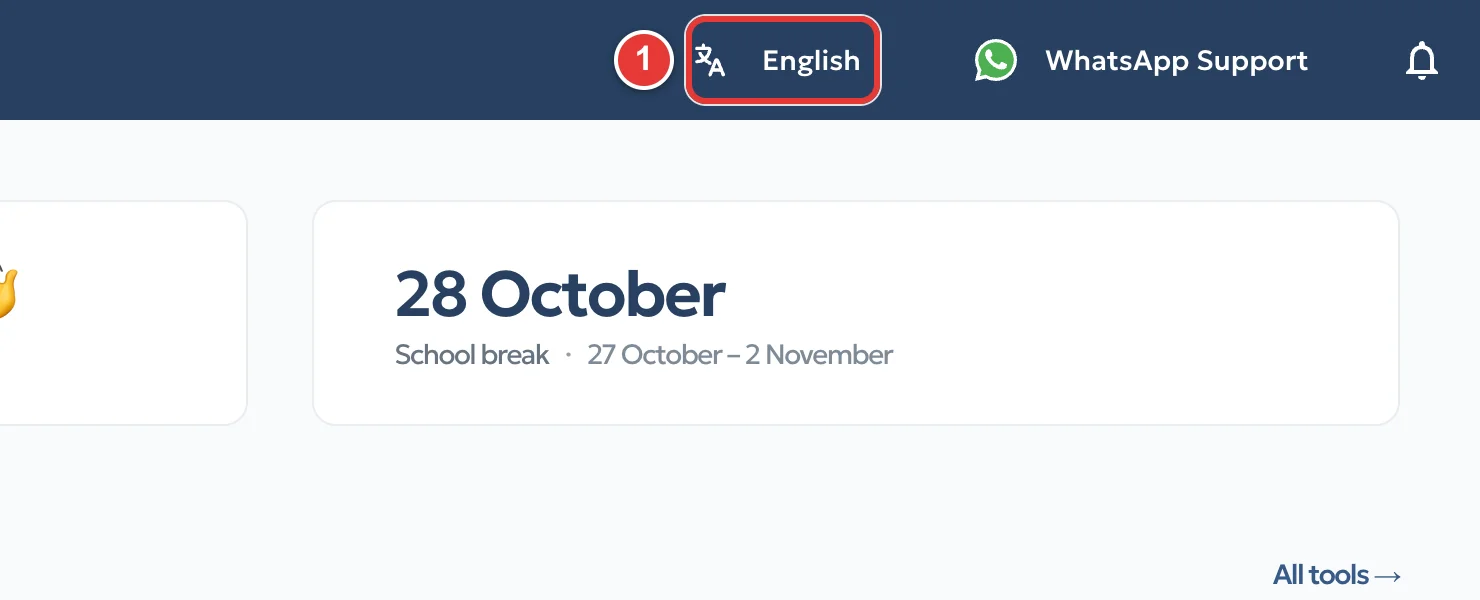
Click the current language name in the top bar (1).
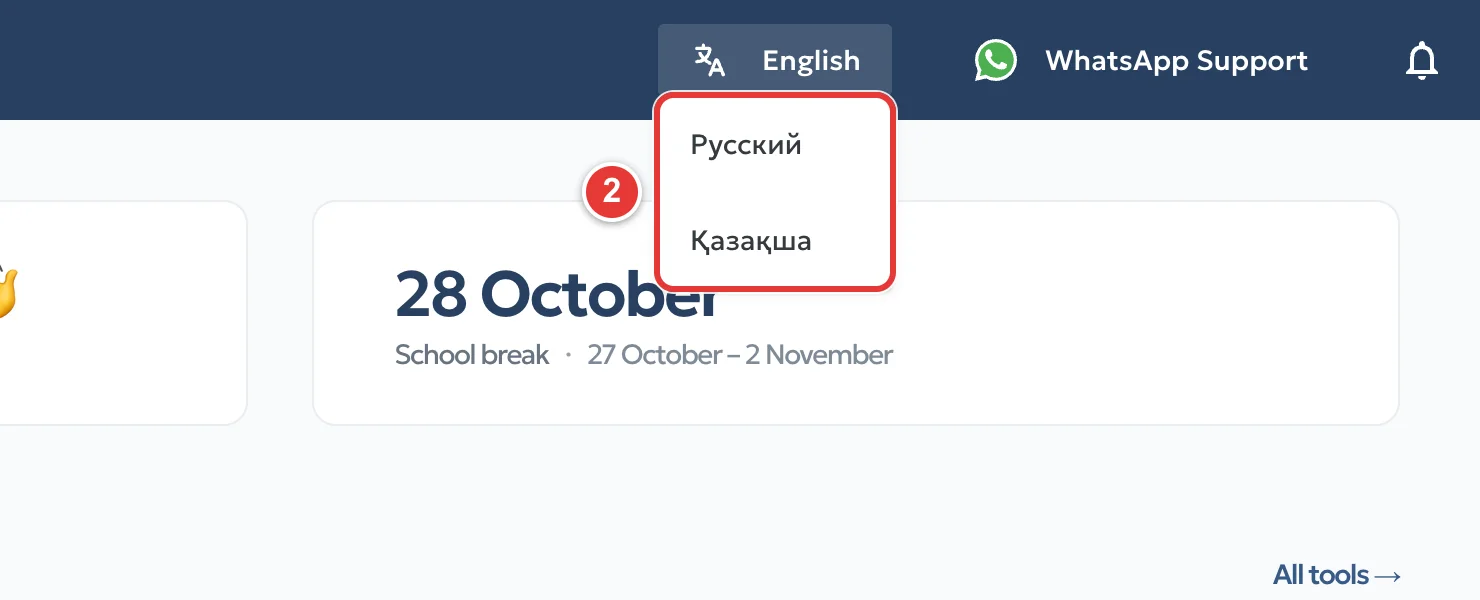
Pick a language from the list (2). The interface switches right away. The language of generated materials is set separately, in the «Language of instruction» field of each tool.
Was this article helpful?