
How do I open 3D models and simulations in the Laboratory?
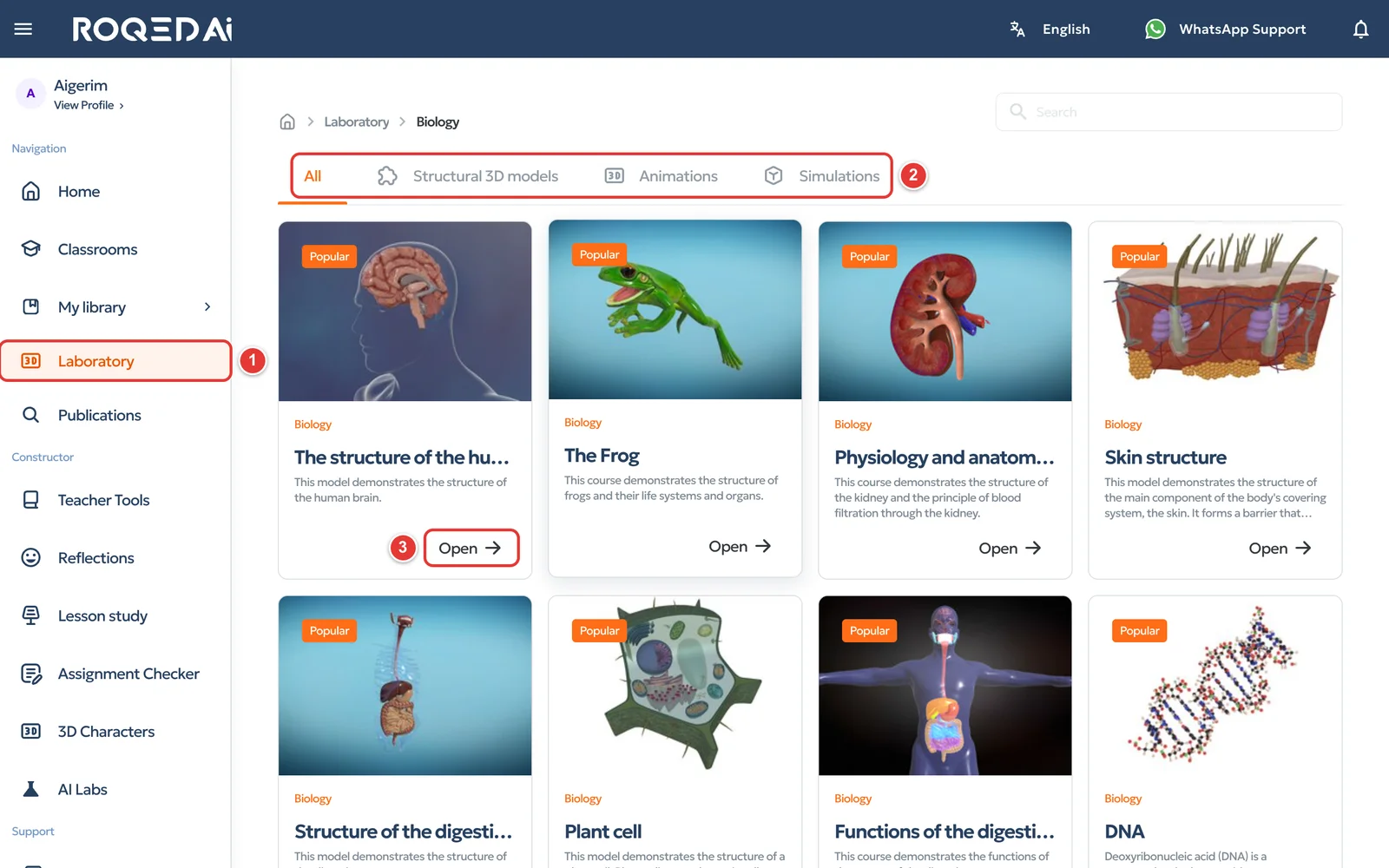
Open «Laboratory» in the left menu (1) and pick a subject. Filter by tab (2): «Structural 3D models», «Animations», «Simulations». Click «Open» on a card (3).
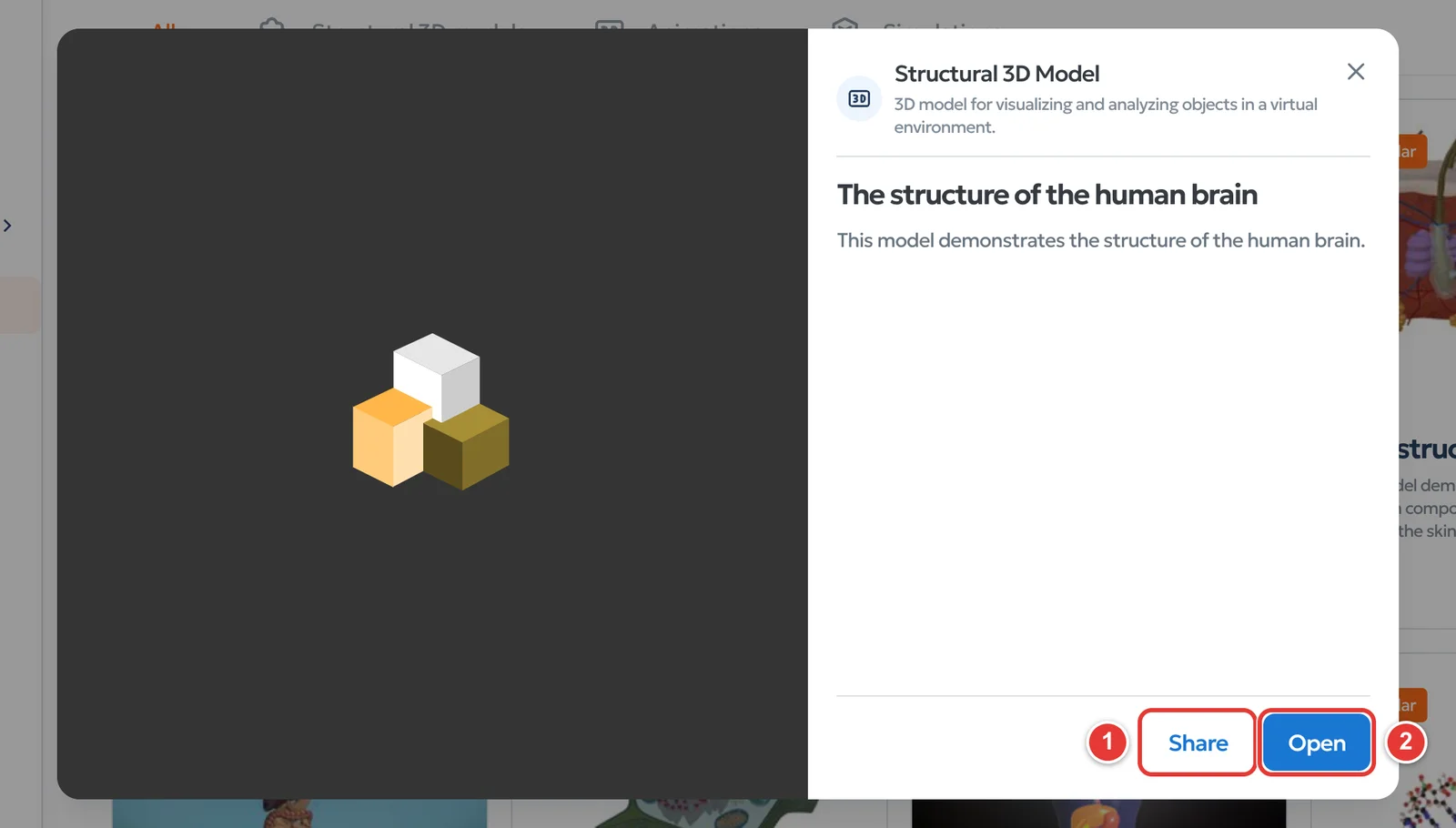
The preview window has a short description. «Share» (1) copies a link you can send to students. «Open» (2) launches the model full-screen in a new tab.
Was this article helpful?