
How do I control a 3D animation?
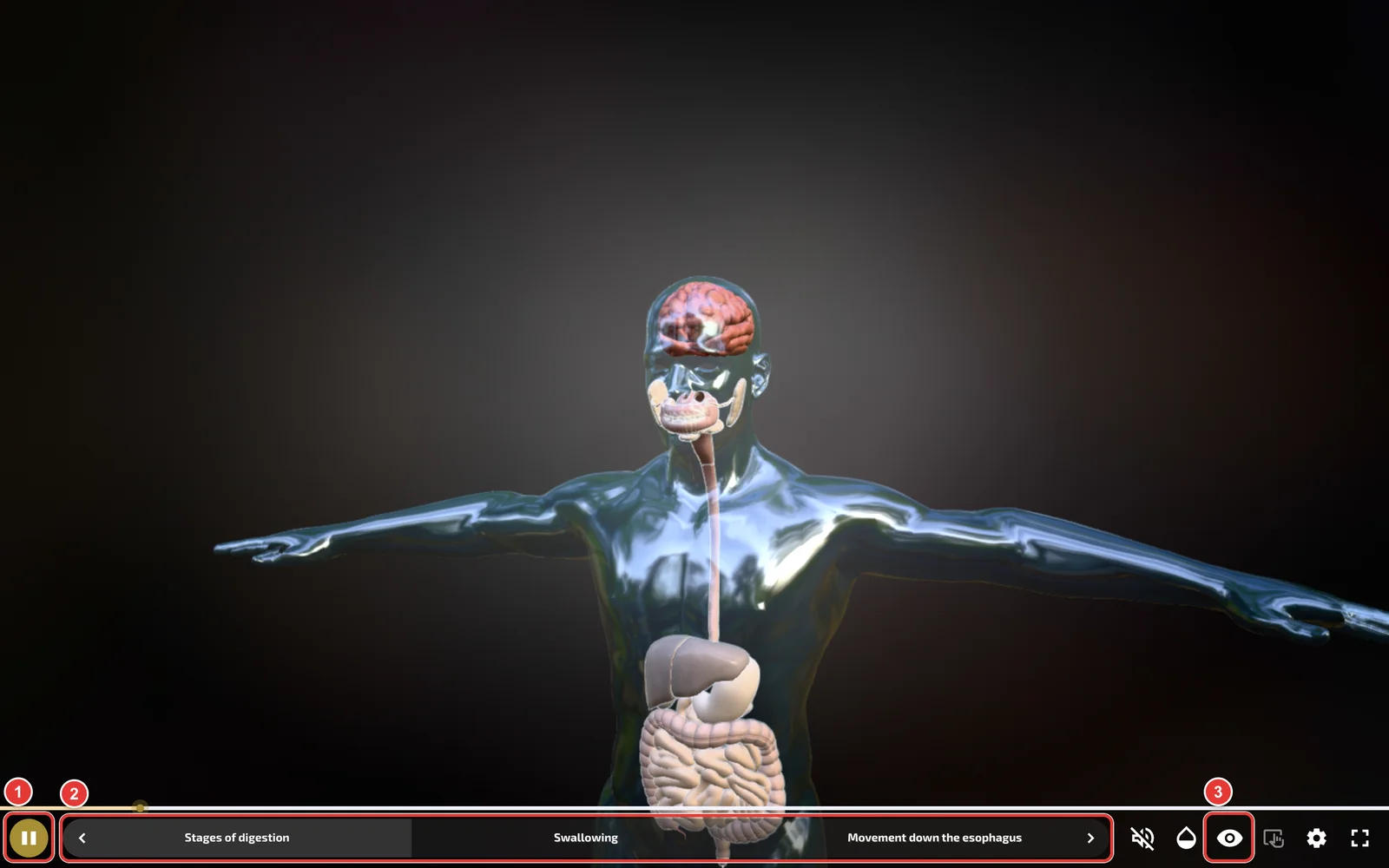
Open an animation from the «Animations» tab in the Laboratory. Button (1) plays and pauses it. The scene bar (2) shows the animation's stages; click a scene to jump to it. The eye icon (3) shows or hides the current scene's description.
Was this article helpful?