
How do I invite students to a class?
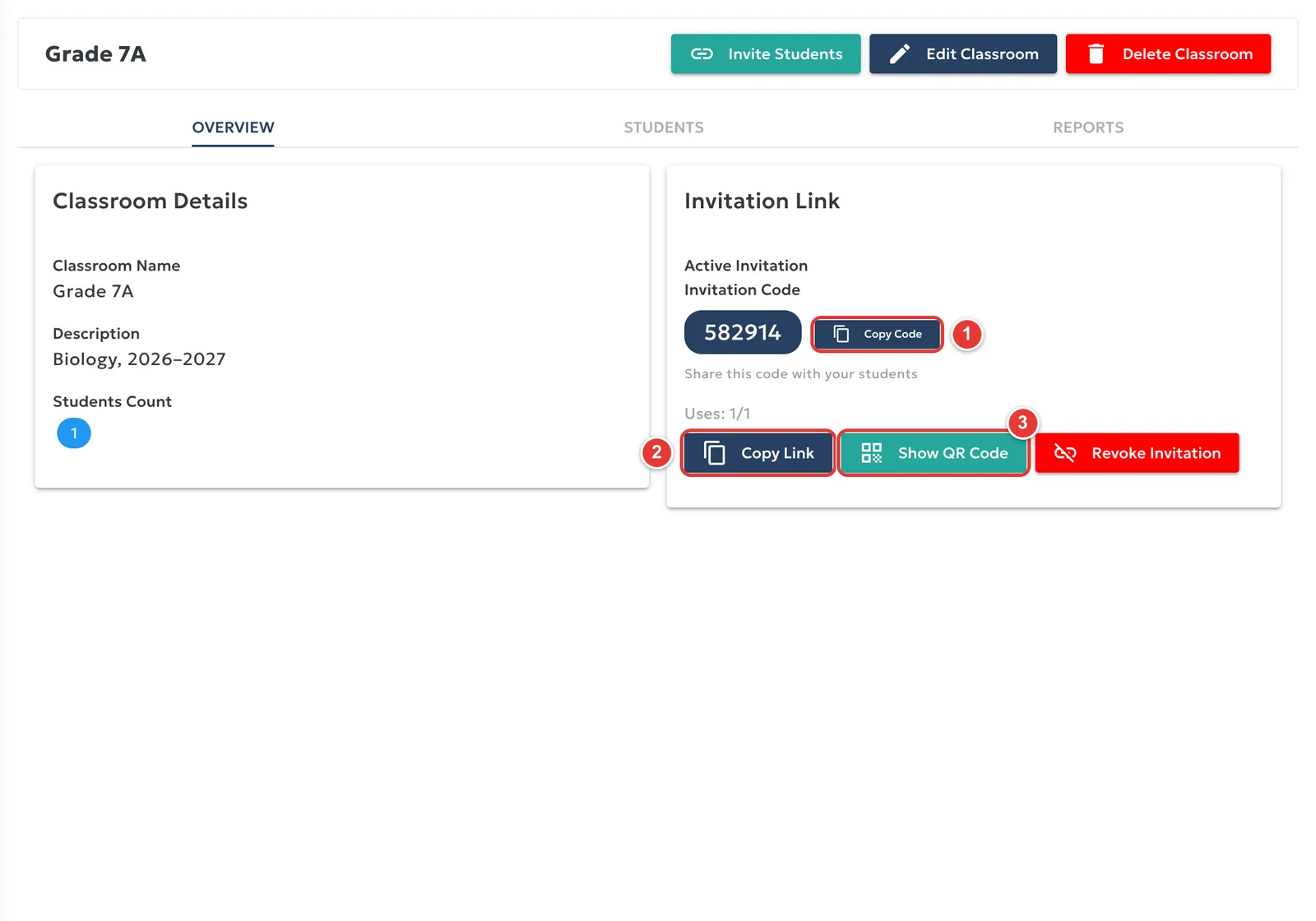
Open the class in «Classrooms». The «Invitation Link» block offers three ways: copy the code (1), copy the link (2) or show the QR code on the classroom screen (3). The usage counter shows how many students have joined. You can turn off an old invitation with «Revoke Invitation».
Was this article helpful?